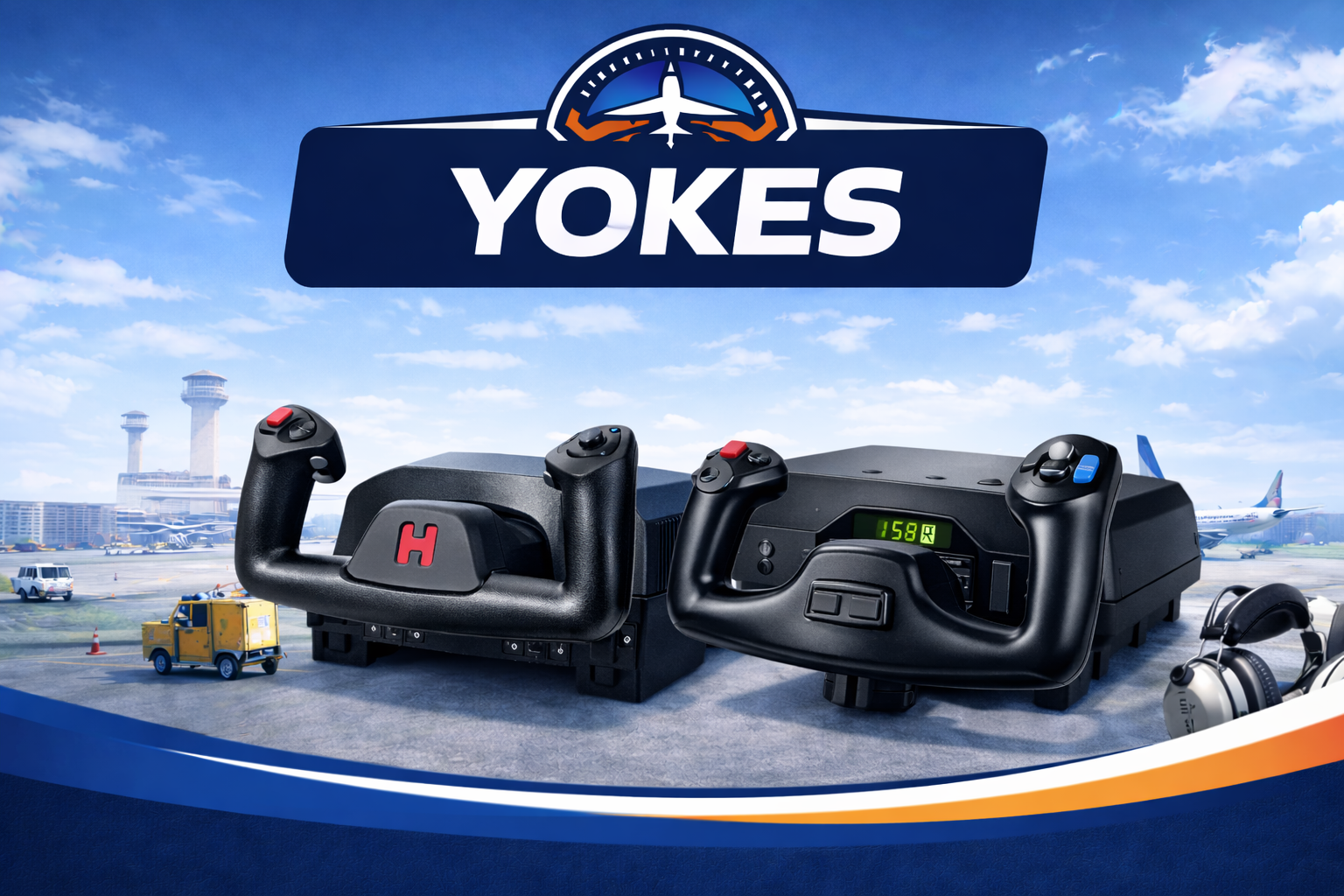
Explore the best flight sim yokes for general aviation flying, with reviews and buying guides focused on realism, control precision, comfort, and overall value for Microsoft Flight Simulator setups.
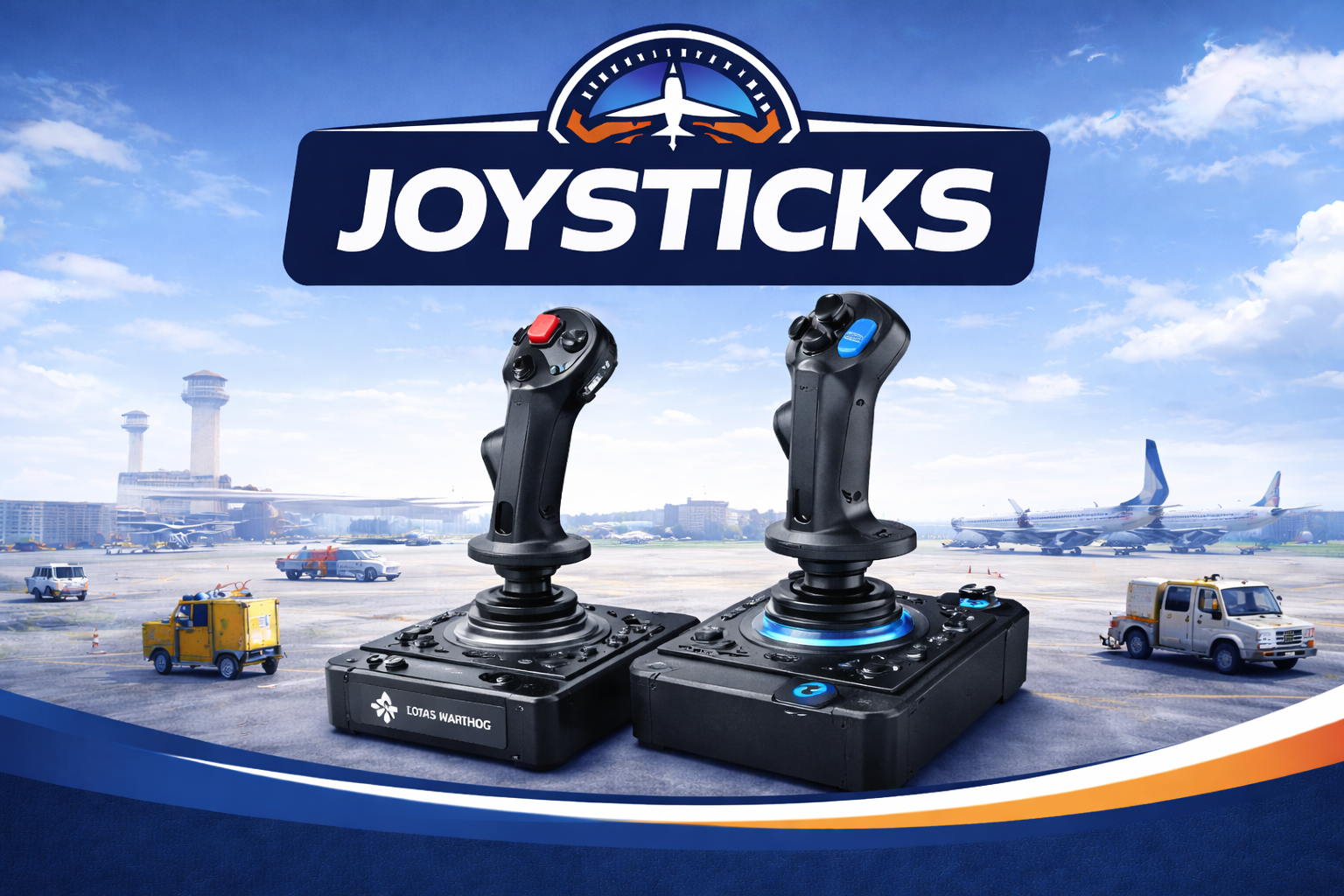
Compare the best flight sim joystick setups for MSFS, with practical reviews and buyer guides focused on precision, comfort, immersion, and value for different flying styles and budgets.
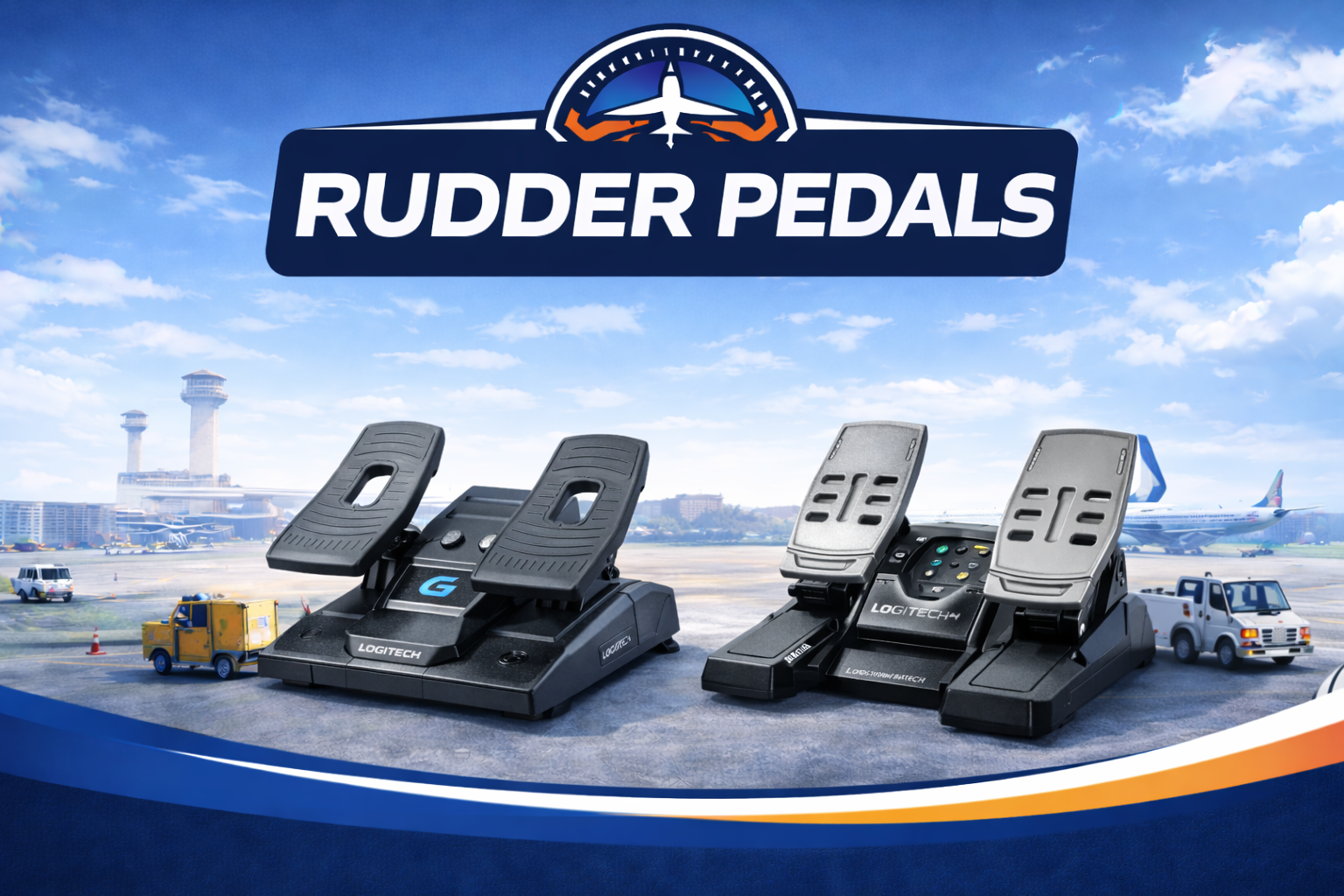
Explore the best rudder pedals for Microsoft Flight Simulator, with reviews and buying guides focused on smooth yaw control, taxi precision, landing performance, comfort, and overall realism for your setup.
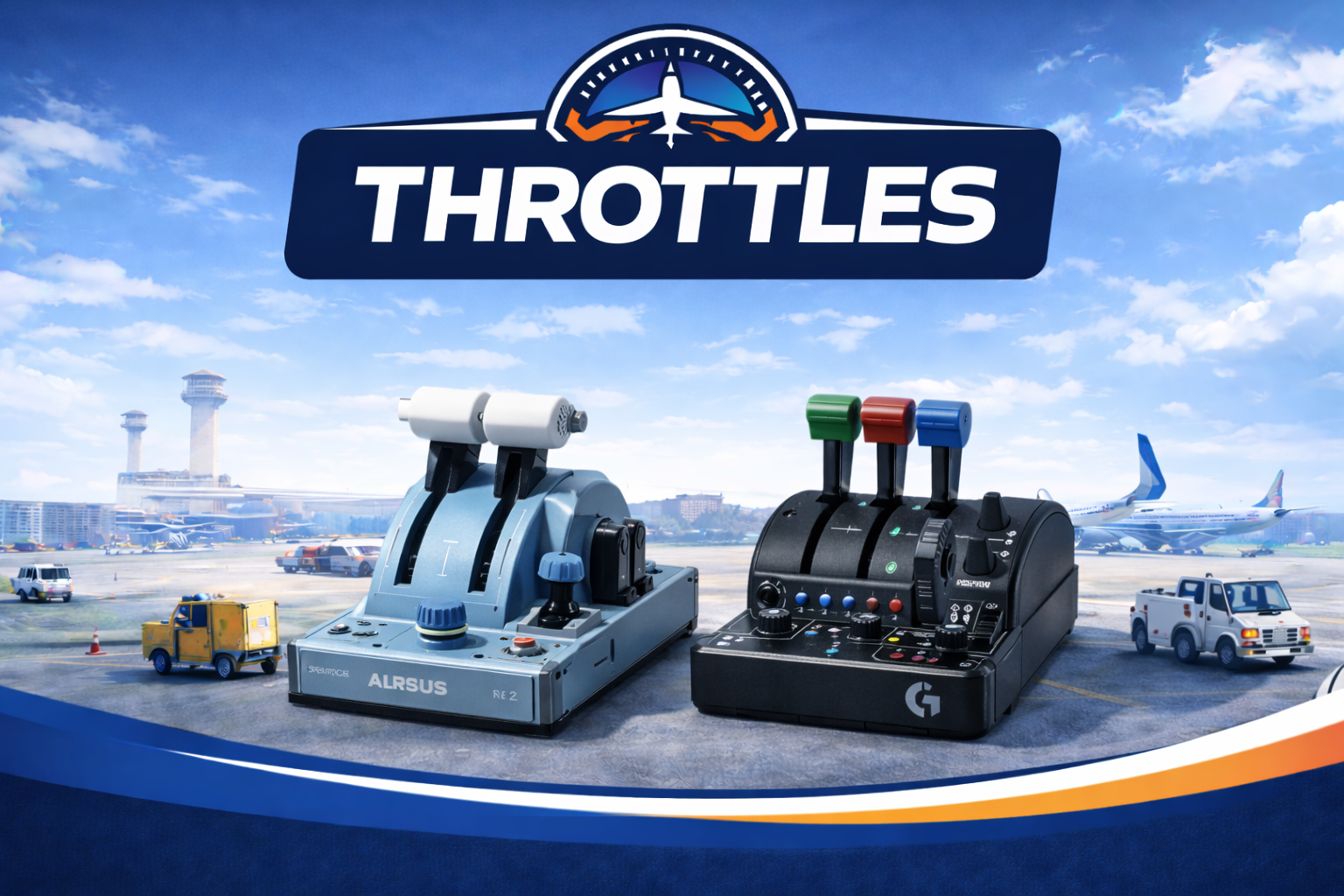
Explore the best flight sim throttles and throttle quadrants for MSFS, with practical reviews and buying guides focused on precision, realism, aircraft compatibility, and overall value for different flying styles and setups.
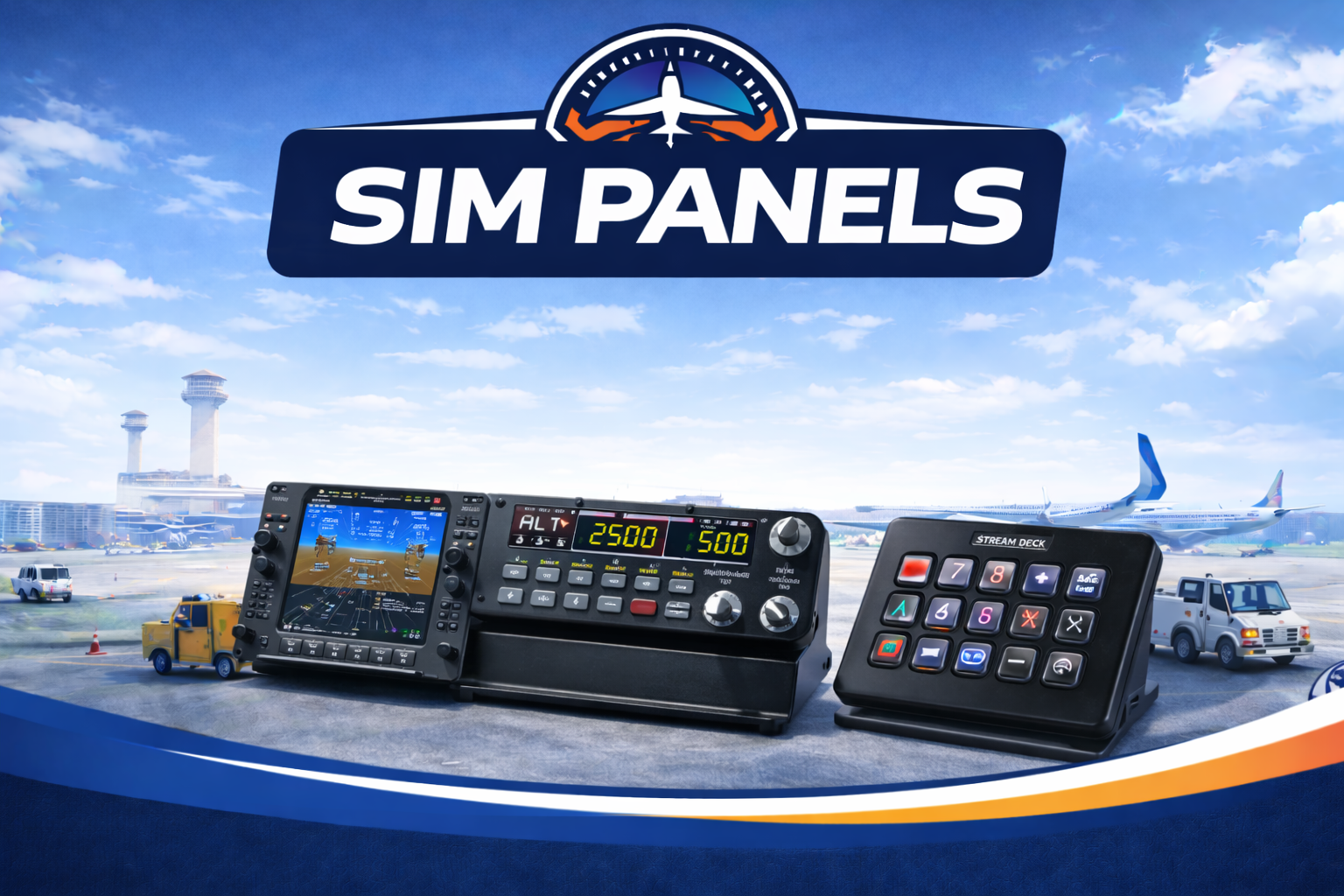
Explore the best sim instrument panels and cockpit controls for MSFS, with reviews and buying guides focused on realism, ease of use, compatibility, and the extra immersion they bring to your flight sim setup.
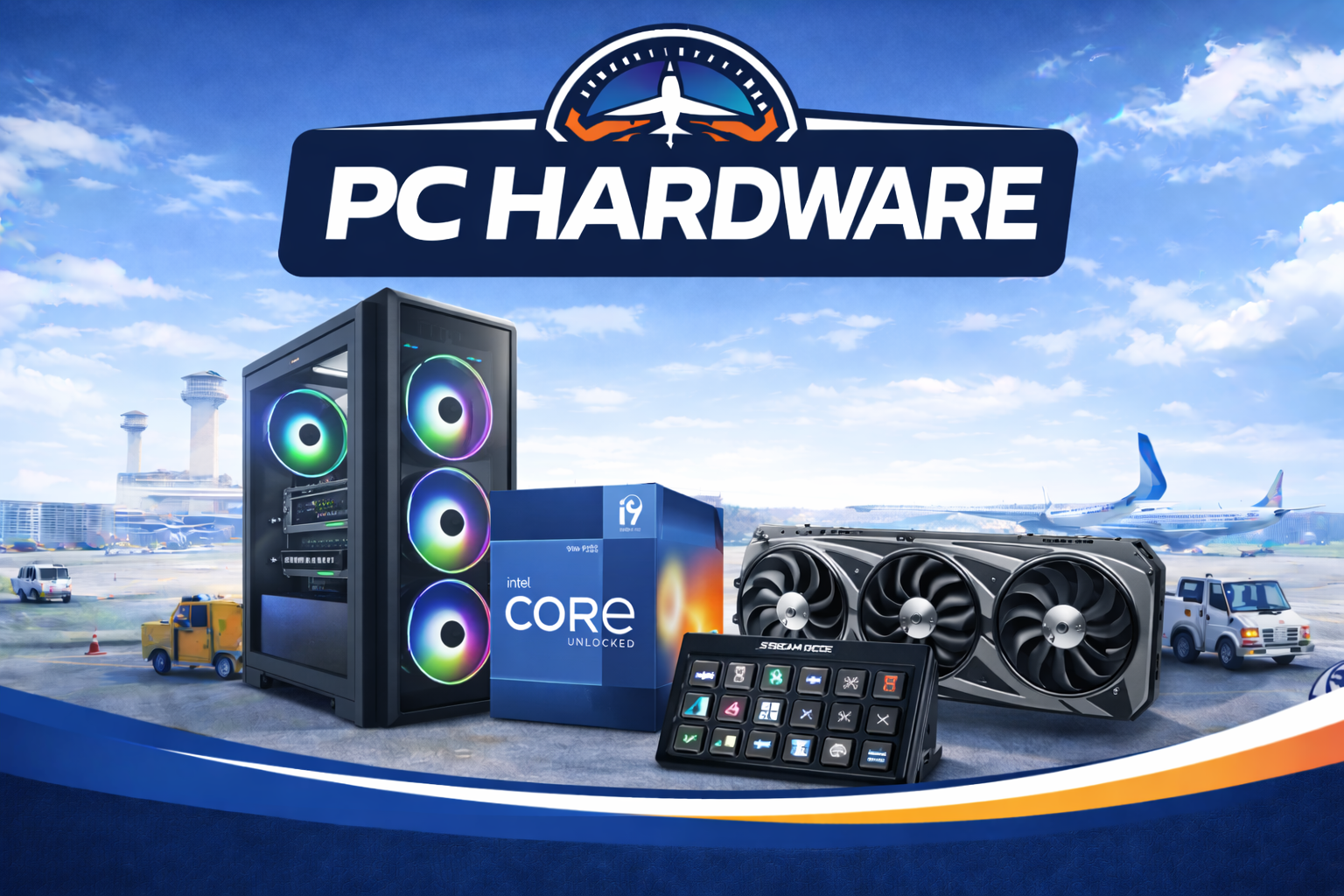
Explore the best PC hardware for Microsoft Flight Simulator, with practical guides and recommendations focused on performance, graphics quality, stability, upgrade value, and building a smoother overall flight sim experience.
The right hardware for Microsoft Flight Simulator 2024 depends on what you fly: a yoke and throttle quadrant for general aviation, a HOTAS or joystick for airliners and combat aircraft, and rudder pedals for proper coordinated turns. This pillar covers each category with budget, mid-range, and premium picks — tested with current MSFS builds, prices cited inline from primary sources.
Yokes mimic the control column in a Cessna or Boeing; joysticks suit fighters, light aerobatic aircraft, and helicopters.
Throttle quadrants are the single highest-impact upgrade after a yoke or stick — they give physical levers for prop, mixture, flaps, and reverse.
Rudder pedals matter most for taxi, crosswind landings, and any tailwheel aircraft. They also enable independent toe-brakes.
The peripheral edges of a flight sim setup: the rig that runs MSFS, the VR headset that puts you in the cockpit, and the dedicated instrument panels that replace the screen-based glass.
The Honeycomb Alpha Flight Controls Yoke is the most-recommended beginner yoke for MSFS 2024 — it covers the general-aviation use case at around $250, has integrated avionics switches, and is plug-and-play on PC and Xbox.
Not to start. A yoke or stick that includes twist-rudder lets you fly most general-aviation aircraft. Pedals become useful when you fly tailwheel aircraft, do crosswind landings, or want realistic taxi behaviour with toe-brakes.
Yes — Microsoft Flight Simulator 2024 supports Xbox controllers natively on both PC and Xbox console. The beginner tutorials on Flight Sim Workshop are written so they work with a controller, a yoke, or a stick.
A reasonable beginner stack is around $300–$500: a yoke (Honeycomb Alpha or similar) plus a basic throttle quadrant. Add rudder pedals later for around $100–$200 once you know you will keep flying.
Yes. MSFS 2024 supports PCVR through OpenXR — Meta Quest 3, Pico 4, and PCVR headsets all work. VR has a steeper hardware requirement than flat-screen play; see PC Hardware for our build recommendations.