Microsoft Flight Simulator 2024 has a steep first-flight curve, and most beginners stall on the same five things: installing the sim correctly, mapping a controller, understanding pitch/roll/yaw, lining up a runway, and pulling off the first landing. This pillar walks you through every step in order, with screenshots from the current MSFS build.
TL;DR
- Start with Install & Setup MSFS if the sim isn’t running smoothly yet.
- Then read Learn The Basic Controls — pitch/roll/yaw, throttle/flaps/trim, instruments, camera.
- Take off and land using the two dedicated walkthroughs; both use the Cessna 152.
- Plan to spend ~3 hours total on this pillar before you start chasing add-ons.
- Tested in MSFS 2024 build current as of 2026-05.
Cluster 1 — Install & Setup MSFS
Pick this cluster if the sim isn’t installed yet, or it runs poorly out of the box. We cover requirements, editions, the Content Manager, and the day-one settings that fix most stuttering.
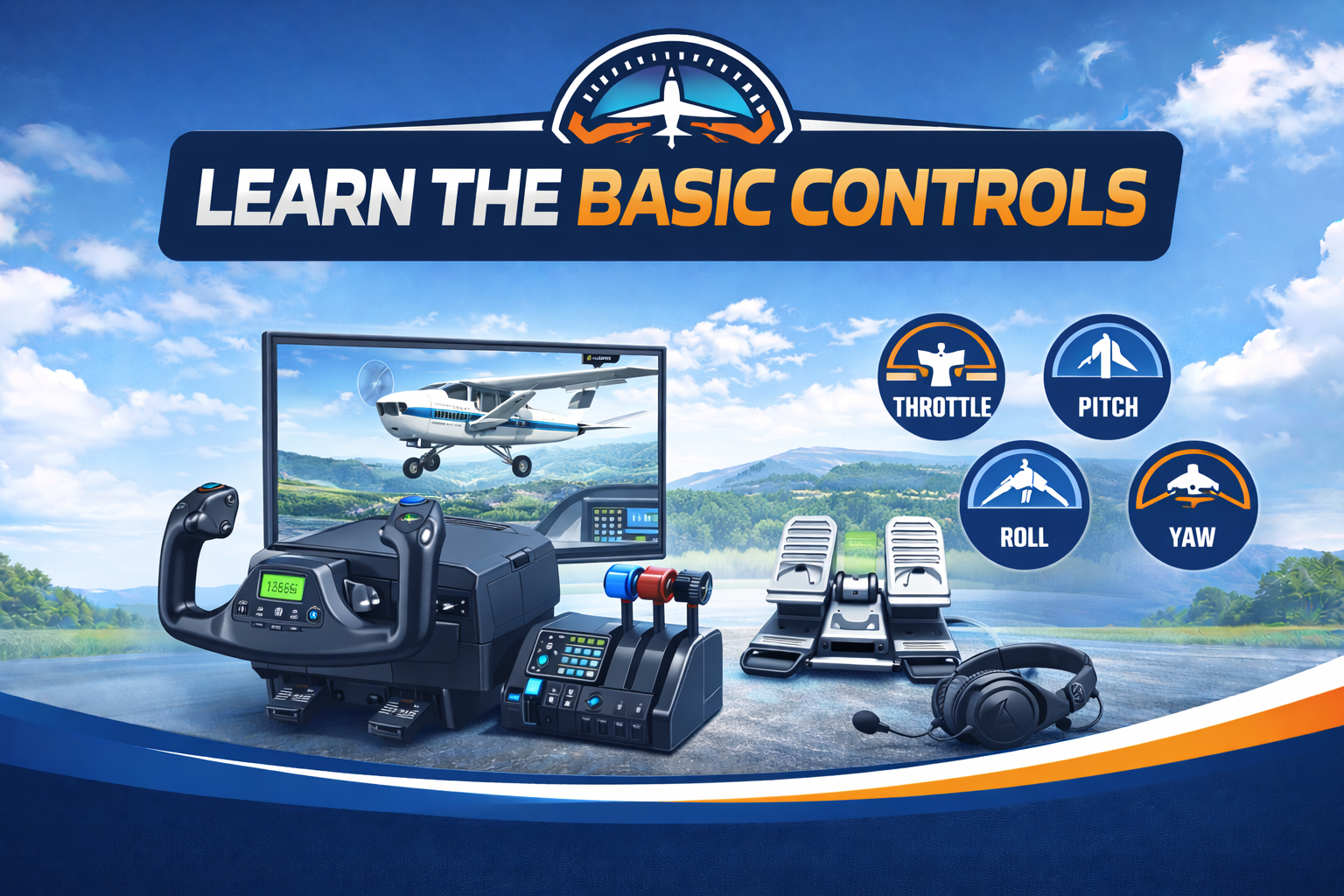
Cluster 2 — Learn the Basic Controls
You cannot fly anything in MSFS until pitch/roll/yaw and the throttle/flaps/trim interplay are second nature. This cluster takes you from "what does the stick do" to "I can hold altitude and land the Cessna 152".
- MSFS 2024 Flight Controls — Understanding Pitch, Roll, and Yaw — the three axes, what they feel like, and why rudder matters.
- MSFS 2024 Throttle, Flaps, and Trim — A Beginner’s Guide — power management for fixed-wing aircraft.
- MSFS 2024 Cockpit Instruments — A Beginner’s Guide to the Flight Panel — airspeed, altimeter, attitude, heading, VSI.
- MSFS 2024 Camera Controls — Views, Drone Cam, and Shortcuts — cockpit, external, drone, and chase views.
- How to Take Off in MSFS 2024 — Step-by-Step Beginner Guide — Cessna 152 takeoff procedure.
- How to Land in MSFS 2024 — A Beginner’s Approach and Landing Guide — pattern, approach speed, flare.
Coming next
Sub-cluster pages exist but are content-pending. They will be linked here once tutorials ship.
Frequently Asked Questions
Where should I start in Microsoft Flight Simulator 2024 as a complete beginner?
Start with the Cessna 152, finish Install & Setup MSFS for a clean install, then work through Learn The Basic Controls before attempting takeoff. Plan on around three hours from install to first landing.
Do I need a yoke or HOTAS to learn MSFS 2024?
No — Microsoft Flight Simulator 2024 is fully playable with an Xbox or PlayStation controller, and the beginner tutorials are written assuming a controller. A yoke improves precision once you have learned the basics, but it is not required to learn pitch, roll, and yaw.
How long does it take to learn the basics of MSFS 2024?
Most newcomers can perform a complete Cessna 152 takeoff and landing within three to six hours of focused practice, provided they finish the install, settings, and basic controls clusters first. Multi-engine and instrument flying take significantly longer.
What is the easiest aircraft for beginners in Microsoft Flight Simulator 2024?
The Cessna 152 is the standard beginner aircraft — it is slow, forgiving, and the cockpit only has the six core instruments. All Flight Sim Workshop beginner tutorials use the Cessna 152 unless otherwise noted.
Are these beginner tutorials current for the latest MSFS 2024 build?
Yes — every tutorial in this pillar is tested in the current Microsoft Flight Simulator 2024 build and lists the version it was tested against at the top of the article. We refresh tutorials when sim updates change the behaviour shown.