Once you understand pitch, roll, and yaw, the next essential controls — the MSFS 2024 throttle, flaps, and trim — are what you need to master. These three work together to manage your aircraft’s speed, lift, and stability — and mastering them is the difference between a rough flight and a smooth one.
This guide explains how the MSFS 2024 throttle, flaps, and trim work, when to use each one, and how they make flying easier and more enjoyable for beginners.
Throttle — Controlling Your Speed and Power
The throttle controls how much power your engine produces. Push it forward for more power (and more speed), pull it back for less. It’s the equivalent of the accelerator in a car, except in an aircraft, power also directly affects whether you climb, descend, or maintain altitude.
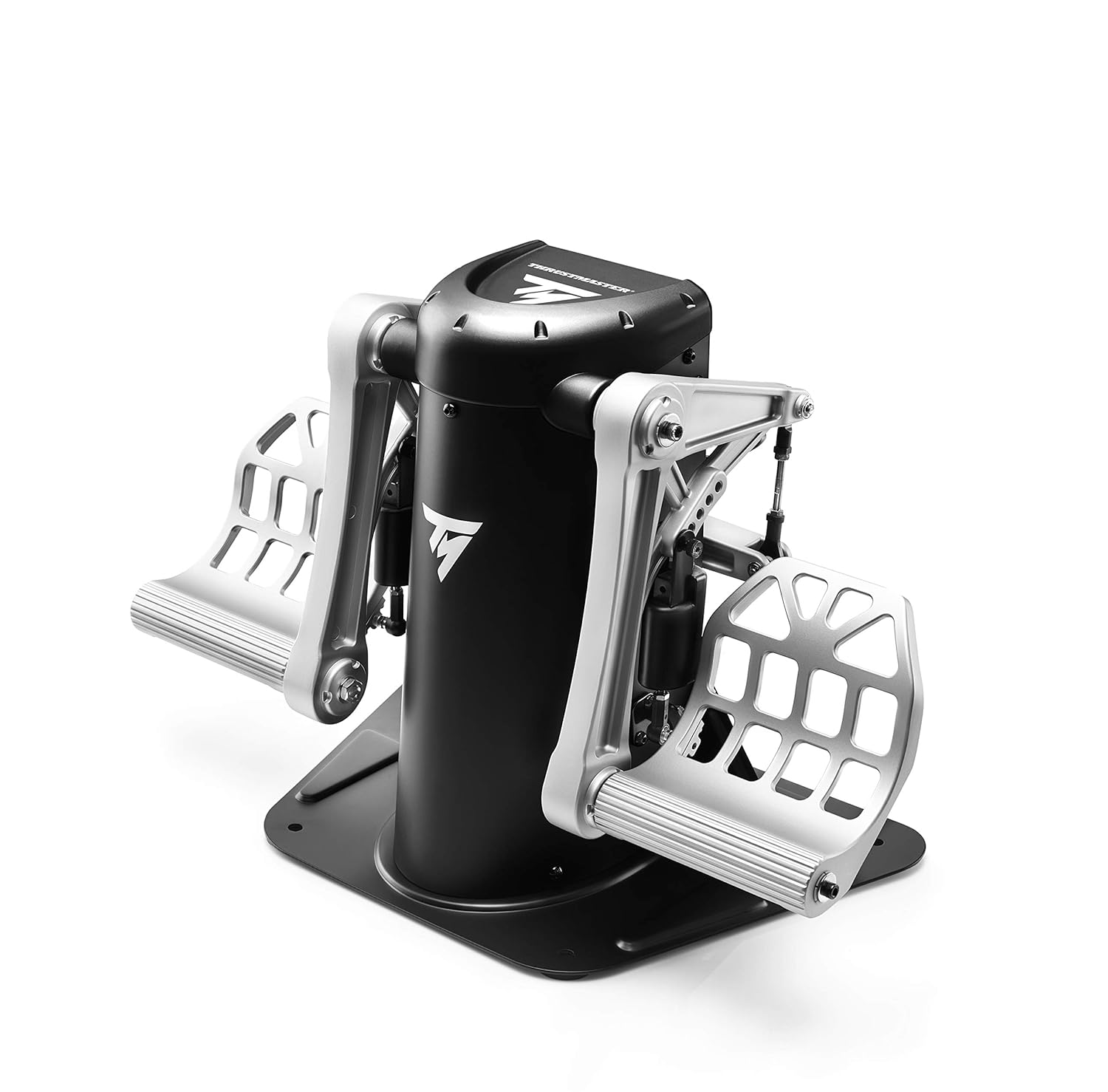
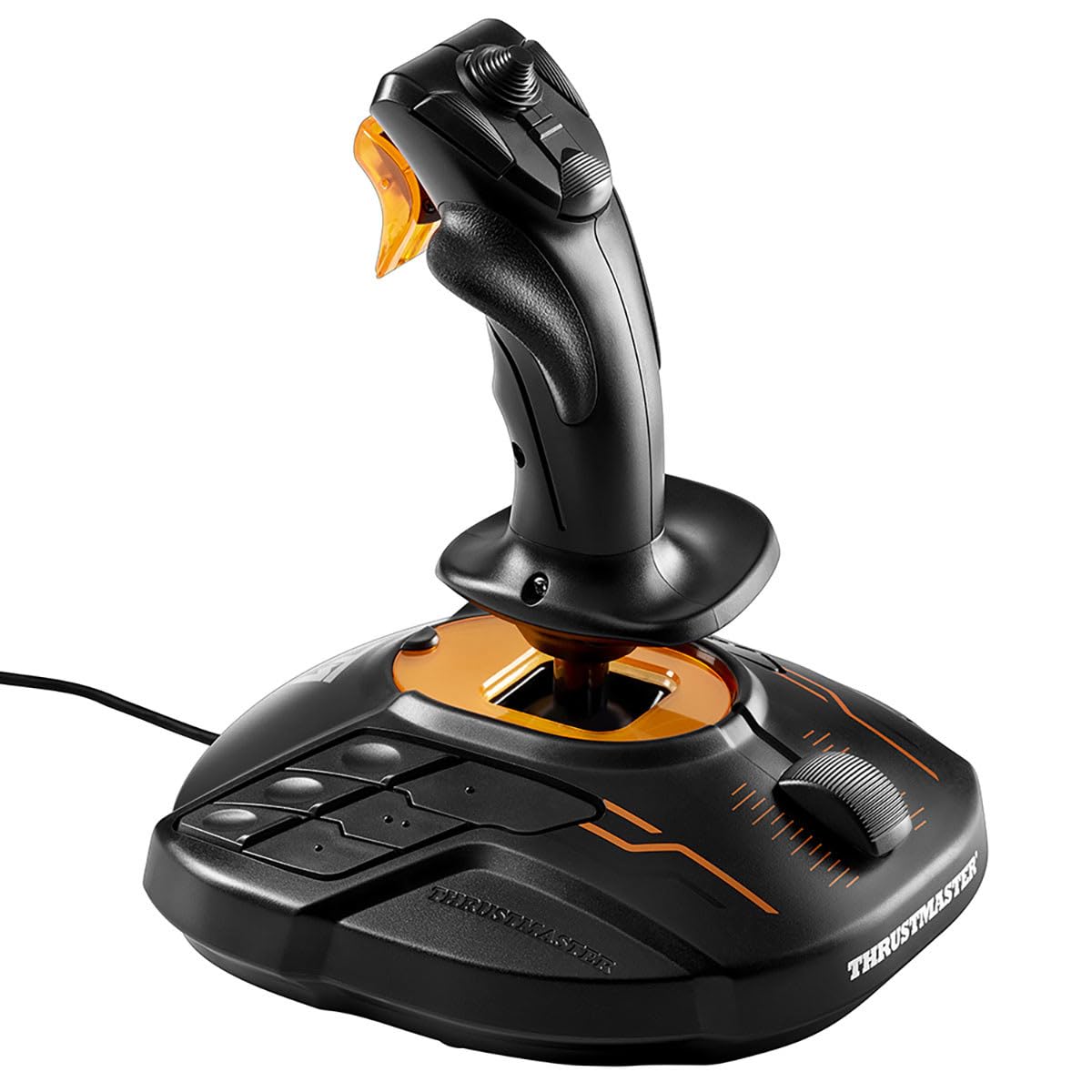
The MSFS 2024 throttle can be controlled with a physical throttle lever, a slider on your joystick, keyboard keys, or even an on-screen control. The key thing to understand is that throttle isn’t just about speed — it’s about energy management.
When you use the throttle:
- Takeoff: Full throttle (or close to it) to accelerate down the runway.
- Climbing: High throttle to maintain speed while gaining altitude.
- Cruising: Moderate throttle — enough to maintain your desired speed and altitude.
- Descending: Reduced throttle to slow down and lose altitude gradually.
- Landing: Low throttle on approach, then idle (fully back) just before touchdown.
Beginner tip: Avoid going from full throttle to idle in one quick motion. Smooth, gradual throttle changes make for much more controlled flying. Think of it like driving — you don’t slam the accelerator or brakes.
Flaps — Adding Lift for Slow Flight
Flaps are movable panels on the trailing edge of your wings. When you extend them, they change the shape of the wing to produce more lift at lower speeds. This is crucial during takeoff and landing when you need to fly slowly but still stay in the air.
Think of flaps as a slow-flight mode for your wings. With flaps extended, the aircraft can fly at a much lower speed without stalling. The trade-off is that flaps also increase drag, which slows you down — that’s actually a good thing when you’re trying to land.
Flap positions in most aircraft:
- Flaps 0 (clean/retracted): Normal cruising configuration. Minimum drag.
- Flaps 1-2 (partial): Used for takeoff and initial approach. Some extra lift with moderate drag.
- Flaps 3/Full: Used for landing. Maximum lift and maximum drag, allowing the slowest safe speed.
When you use flaps:
- Before takeoff: Set flaps to 1 or 2 (depending on the aircraft). This helps you lift off at a lower speed.
- On approach: Gradually extend flaps as you slow down. This lets you descend at a manageable speed.
- Landing: Full flaps for the slowest possible approach speed and steepest descent angle.
- After landing: Retract flaps once you’re on the ground and slowing down.
Beginner tip: Never extend full flaps at high speed — this can overstress the aircraft. In MSFS 2024, reduce your speed below the flap limit speed (shown in the aircraft’s documentation) before extending each notch. A safe rule of thumb: slow down first, then add flaps.
Trim — Making Flight Less Tiring
Trim is the control that most beginners overlook, but once you discover it, you’ll wonder how you ever flew without it. Trim adjusts the neutral position of your flight controls so you don’t have to constantly hold pressure on the joystick or yoke.
Without trim, you might find yourself constantly pulling back on the stick to keep the nose level. That gets tiring quickly. With trim properly set, the aircraft holds its attitude on its own and you only need small corrections.
How trim works:
- Nose-up trim: Tells the aircraft to hold a slight climb or maintain level flight without you pulling back.
- Nose-down trim: Tells the aircraft to hold a descent or prevent the nose from rising.
- The goal is to trim until you can let go of the controls and the aircraft flies straight and level (or at whatever pitch angle you want).
When you use trim:
- After takeoff: Once you’re climbing steadily, trim nose-up to hold the climb without constant back pressure.
- In cruise: Trim for level flight. Hands-off flying becomes possible.
- During descent: Trim nose-down slightly so the aircraft descends at the rate you want.
- On approach: Re-trim as you change speed and flap settings. Each configuration change requires a trim adjustment.
Beginner tip: In MSFS 2024, trim is usually controlled with the numpad keys (7/1 for nose up/down) or a trim wheel on your hardware. Make small adjustments and wait a moment to see the effect before trimming more. Over-trimming is a common beginner mistake.
How the MSFS 2024 Throttle, Flaps, and Trim Work Together
These three controls are constantly interacting during flight. Here’s how they work together in common scenarios:
Takeoff sequence:
- Set flaps to takeoff position (usually flaps 1 or 2)
- Apply full throttle
- At rotation speed, pitch up gently
- Once climbing, trim nose-up to hold the climb angle
- At a safe altitude, retract flaps gradually and re-trim
Landing sequence:
- Reduce throttle to begin slowing down
- Extend flaps gradually as speed decreases
- Re-trim after each flap extension to maintain stable descent
- On short final, reduce throttle to near idle
- Flare gently and touch down
The key takeaway: every time you change one of these three controls, the other two need attention. Change throttle? You’ll probably need to adjust trim. Extend flaps? Speed changes, so throttle and trim need adjusting. It becomes second nature with practice.
Practice Exercise: Throttle, Flaps, and Trim
Try this exercise to build your confidence with the MSFS 2024 throttle, flaps, and trim:
- Start a Free Flight in a Cessna 172 with clear weather.
- Take off with flaps set to 10 degrees and full throttle.
- Once airborne, climb to 3,000 feet. Try trimming until you can let go of the stick and the aircraft holds a steady climb.
- Level off at 3,000 feet. Reduce throttle to cruise power and trim for level flight. Can you fly hands-off?
- Now practice a descent: reduce throttle, extend flaps one notch at a time, and re-trim after each change.
- Fly a pattern around the airport and attempt a landing with full flaps.
What’s Next?
With pitch, roll, yaw, throttle, flaps, and trim under your belt, you’re well on your way to confident flying. Here’s where to head next:
- Pitch, Roll, and Yaw — Revisit the three axes of flight if you need a refresher.
- Cockpit Instruments Guide — Learn what all the dials and gauges in the cockpit mean.
- How to Take Off — A complete step-by-step takeoff walkthrough.
- How to Land — Master the approach and landing.
The MSFS 2024 throttle, flaps, and trim might seem like a lot to manage at first, but they’re the tools that transform rough flying into smooth, confident piloting. Practice a little each session and it’ll click faster than you think. Blue skies ahead! ✈️