Every aircraft in the sky — real or virtual — moves along three axes. Understanding the MSFS 2024 flight controls — pitch, roll, and yaw — is the single most important thing you can learn as a new simmer. Once these three concepts click, everything else about flying starts to make sense.
Don’t worry if this sounds technical. We’ll break down these core MSFS 2024 flight controls using plain language, and by the end of this guide you’ll understand exactly what your joystick, yoke, or keyboard is doing when you move it.
The Three Axes — Core MSFS 2024 Flight Controls
Imagine your aircraft sitting in the centre of three invisible lines that pass through it. Each line represents an axis, and each axis allows a specific type of movement. These are pitch, roll, and yaw — and together they give you complete control over your aircraft’s orientation.
Pitch — Nose Up and Nose Down
Pitch controls whether your aircraft’s nose points up or down. Think of it as nodding your head — that’s the same motion your aircraft makes when you change pitch. Pull back on your joystick or yoke, and the nose goes up. Push forward, and the nose goes down.
Pitch is controlled by the elevator, which is the movable surface on the tail of the aircraft. When you pull back, the elevator tilts up, pushing the tail down and the nose up. When you push forward, the opposite happens. On a keyboard, pitch is usually controlled with the up and down arrow keys. You can also learn more about aircraft control surfaces on Wikipedia.
When you use pitch:
- Climbing after takeoff — pitch up to gain altitude
- Descending for landing — pitch down to lose altitude
- Maintaining level flight — small pitch adjustments keep you at the same altitude
- Controlling your speed — pitching up slows you down, pitching down speeds you up
Roll — Banking Left and Right
Roll tilts your aircraft’s wings — one wing goes up while the other goes down. This is called banking. If you’ve ever watched an airliner turn, you’ll have noticed it leans into the turn rather than sliding sideways. That lean is roll.
Roll is controlled by the ailerons, which are the movable surfaces on the outer part of each wing. Move your joystick or yoke to the left, and the aircraft rolls left. Move it right, and it rolls right. On a keyboard, this is usually the left and right arrow keys.
When you use roll:
- Turning — bank the aircraft in the direction you want to go, then use pitch to maintain altitude
- Correcting drift — if wind pushes you off course, a small roll adjustment brings you back
- Levelling the wings — after a turn, roll back to centre to fly straight
Important for beginners: In MSFS 2024, rolling alone doesn’t turn the aircraft — it just banks it. You need to combine roll with a gentle pull back on pitch to execute a smooth, coordinated turn. This is one of the most common things new simmers learn.
Yaw — Turning the Nose Left and Right
Yaw rotates your aircraft’s nose left or right, like shaking your head “no”. Unlike roll, yaw keeps your wings level while the nose swings to one side. It’s the least intuitive of the three axes for new pilots, but it’s essential for precise control.
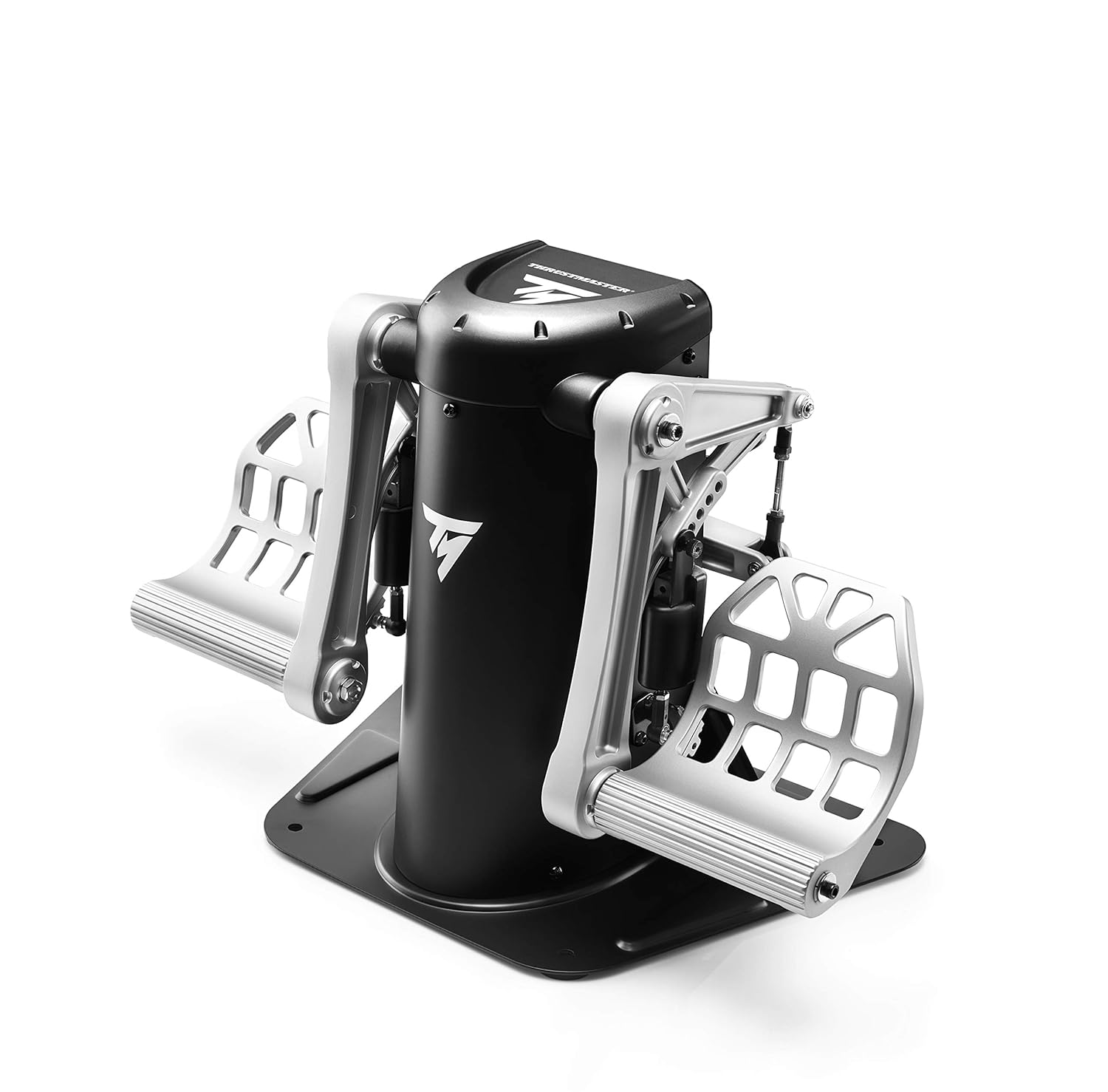
Yaw is controlled by the rudder, which is the movable surface on the vertical part of the tail. In real life, pilots use foot pedals to control the rudder. In MSFS 2024, you can use rudder pedals, twist-axis on a joystick, or keyboard keys (typically Z and X, or the numpad).
When you use yaw:
- Coordinating turns — a little rudder in the direction of a turn makes it smoother
- Crosswind landings — when wind blows from the side, rudder keeps the nose aligned with the runway
- Taxiing on the ground — rudder (and nose wheel steering) is how you steer while on the runway and taxiways
- Counteracting engine torque — on single-engine propeller aircraft, the engine creates a yaw tendency that you correct with rudder
Beginner tip: If you don’t have rudder pedals or a twist-axis joystick, enable Auto-rudder in your MSFS 2024 settings. This automatically applies the right amount of rudder during turns, which is one less thing to worry about while you’re learning pitch, roll, and yaw in MSFS 2024.
How Pitch, Roll, and Yaw Work Together in MSFS 2024
In practice, the MSFS 2024 flight controls rarely involve just one axis at a time. Flying is about combining all three smoothly. Here are some common examples:
- Making a turn: Roll to bank the aircraft → apply a little back pressure on pitch to maintain altitude → add a touch of rudder to coordinate the turn
- Taking off: Full throttle → at the right speed, pitch up gently → keep the wings level with roll → use rudder to stay on the centre line
- Landing: Pitch controls your descent rate → roll keeps you aligned with the runway → rudder corrects for crosswind
The MSFS 2024 flight controls might sound like a lot to manage, but it becomes instinctive with practice. Start by focusing on the two MSFS 2024 flight controls you’ll use most — pitch and roll. Add rudder awareness later as you build confidence.
Control Devices and Sensitivity
How you use the MSFS 2024 flight controls depends on your hardware:
- Keyboard and mouse: Functional but less precise. Inputs are on/off rather than gradual. Fine for learning.
- Gamepad: The left stick usually controls pitch and roll. Serviceable for casual flying.
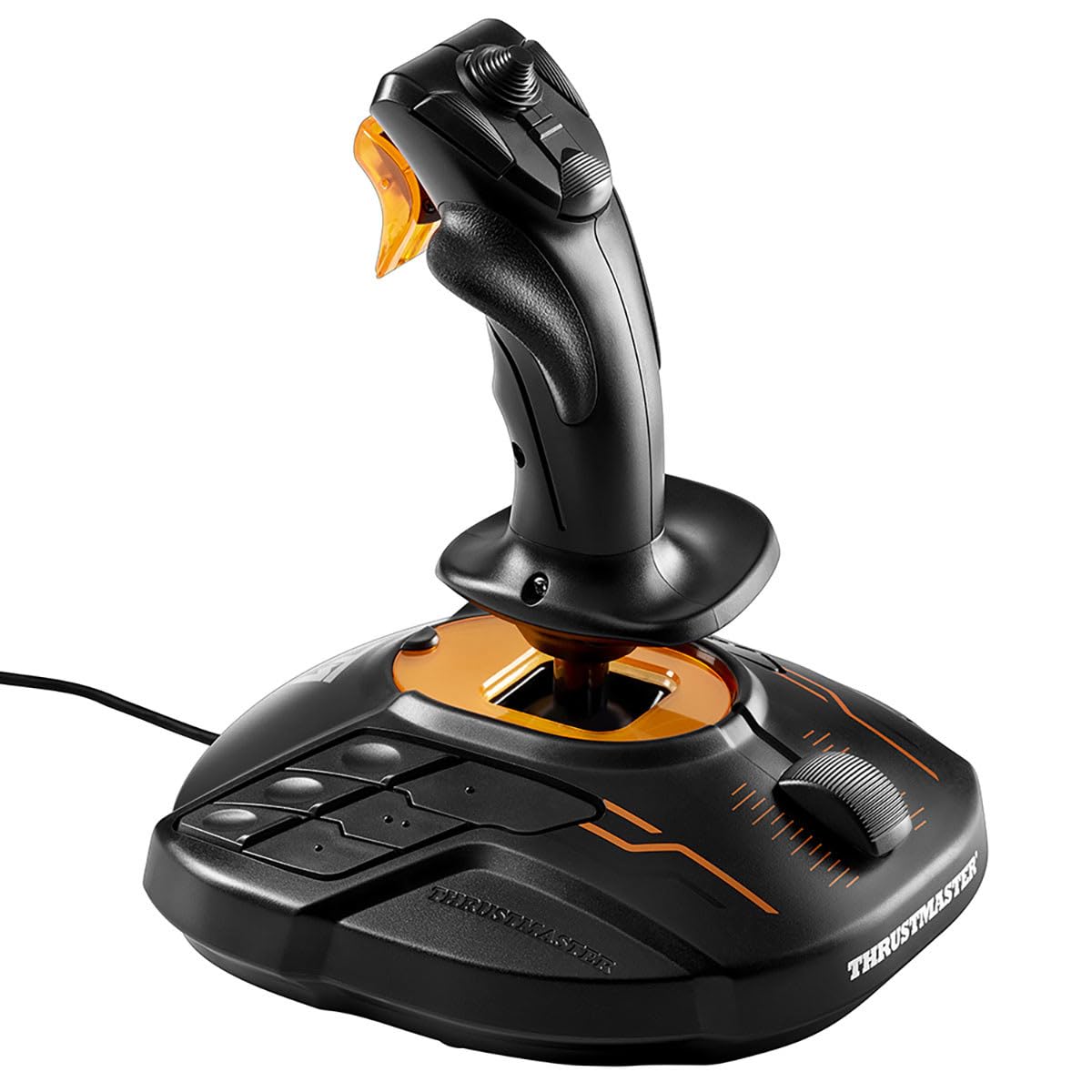
- Joystick: The best balance of price and precision. Forward/back for pitch, left/right for roll, twist for yaw.
- Yoke + rudder pedals: The most realistic setup. The yoke handles pitch and roll, pedals handle yaw. See our Best Flight Sim Yoke for Beginners Under $300 guide for hardware picks.
Whatever you use, consider adjusting the sensitivity curve in MSFS 2024’s control settings. Adding a slight curve makes the controls less twitchy around the centre, giving you more precise control. Check our controller guide for specific recommendations.
Practice Exercise: Feel the Three Axes
The best way to learn pitch, roll, and yaw in MSFS 2024 is to feel them for yourself. Try this simple exercise:
- Start a Free Flight with a Cessna 172 at any airport. Choose clear weather and daytime.
- Take off and climb to about 3,000 feet.
- Level off and try each axis one at a time:
- Pitch only: Gently push forward, then pull back. Watch the nose move up and down and notice how your altitude and speed change.
- Roll only: Move left, then right. Watch the wings tilt and notice how the aircraft starts to turn.
- Yaw only: Apply left rudder, then right. Watch the nose swing side to side while the wings stay relatively level.
- Now try combining them: roll into a gentle left turn while applying a little back pressure and left rudder. That’s a coordinated turn!
Spend 15-20 minutes just playing with the controls. There’s no way to fail — you’re just building muscle memory.
What’s Next?
Now that you understand the three axes of flight, you’re ready to learn about the other essential controls:
- Throttle, Flaps, and Trim — Control your speed, lift, and make flying less tiring.
- Cockpit Instruments Guide — Understand what all those dials and gauges mean.
- How to Take Off — Put your new knowledge into practice with a step-by-step takeoff guide.
- Flight Sim Controllers — Find the right hardware for precise control.
Pitch, roll, and yaw are the building blocks of everything you’ll do in the sim. Master these MSFS 2024 flight controls, and the sky is literally yours. Happy flying! ✈️